

"Realtors who use AI are going to do better than realtors who don't." That's Judy Limekiller, a real estate advisor in Sarasota, Florida, on what changed once she added AI to her business. She's not wrong. The right tool can turn a quiet inbox into a full pipeline, cut a valuation from an hour to a minute, or hand you a clean listing description before you've finished your coffee.
The hard part is knowing which tool does that for the job you actually need done. So this list is organized by job, not buzzwords, with pricing checked against what's live on each vendor's site today.
Brian Icenhower, founder of Icenhower Coaching & Training (ICT), told Luxury Presence that struggling agents chase the next shiny tech stack, assuming a platform switch will fix what's really a relationship or systems problem. As he put it, "Better tech is almost always the logic. Rarely the real reason."
We ranked what follows with that warning in mind. A tool only makes this list if it solves a real job, not because it's new and shiny.
Quick answer: which tool for which job
Jump to your job below, or keep scrolling for the full breakdown, including what to watch out for with each tool.
Listing copy
| Tool | Price | Best for |
|---|---|---|
| ListingCopy.ai | $19–$199/mo | Fast, MLS-ready descriptions |
| Rechat (Lucy AI) | Quote-only | Teams already on Rechat's CRM |
| Jasper AI | $59–$69/mo per seat | One AI writer across all brokerage content |
AI prospecting
| Tool | Price | Best for |
|---|---|---|
| Offrs | $399–$999/mo | Published, self-serve pricing with a real AI tier |
| SmartZip | Not published | Farm-area predictive analytics, if you commit to a year |
| Remine | Not published | MLS-bundled "Buy Score/Sell Score" data, where still offered |
| Revaluate | Not published | Scoring your own database instead of cold prospecting |
Valuation
| Tool | Price | Best for |
|---|---|---|
| HouseCanary | $19–$199/mo | Fast CMA-style valuations, solo-agent accessible |
| Realsy | $49–$89/report | Defensible, line-item valuations |
| ATTOM Data / Quantarium | Enterprise quote-only | Lenders and institutions, not agents |
Marketing content
| Tool | Price | Best for |
|---|---|---|
| Styldod | $1.50–$24+/image | Designer-grade luxury staging |
| REimagineHome | $14–$99/mo | High-volume staging |
| Canva | $15–$18/mo | DIY social graphics |
| CapCut | Varies by region | Turning walkthroughs into Reels |
| Coffee & Contracts | $74–$740/yr | Done-for-you content calendar (not AI) |
Admin and back office
| Tool | Price | Best for |
|---|---|---|
| SkySlope | From $340/mo | Compliance software with an AI coaching layer |
| ListedKit | $14.99/contract | Pay-per-use AI contract extraction |
| Dotloop | $29–$34.99/mo | Cheapest e-signature, but not AI |
General AI assistants
| Tool | Price | Best for |
|---|---|---|
| ChatGPT | Free–$200/mo | Broad drafting and research |
| Claude | Free–$100+/mo | Reading and summarizing long documents |
| Perplexity | Free–$200/mo | Cited research with sources |
| Gemini | $7.99–$200/mo | Drafting inside Gmail and Sheets |
How we ranked these
Every tool below had to clear four gates before it made the list:
- It's current. Pricing comes from each vendor's own live pricing page, not a cached screenshot or a third-party tracker. If a tool went quiet, got quietly rebranded, or dropped a feature, it's out, or called out below.
- It's actually AI. Some tools in other roundups turned out to be plain automation or human-staffed services wearing an "AI" label. We checked.
- An agent can actually buy it. Several valuation platforms are enterprise products sold through a sales team, not something you can sign up for this afternoon. Those get their own callout instead of a fake price.
- It has one job it wins at. No tool does everything well. Each entry below gets the specific use case it's built for, and who should skip it.
We organized the list by the job you're trying to get done, not by category buzzwords, because that's how you're going to search for a fix.
Listing copy
Writing a good listing description takes time you don't always have between showings. AI can turn a set of bullet-point facts into a clean draft in seconds, which clears the blank-page problem fast, even though it still needs your read for market tone and Fair Housing language.

- Price: $19/month (Starter, 15 credits) up to $199/month (Advanced, 500 credits, 15 seats)
- Wins at: Fast, MLS-ready descriptions without adopting an entire platform. Templates and tone are already tuned to real estate.
- Wrong for: A busy team. Credits burn fast once you're generating a description plus social and email variants for every listing, and cost climbs quickly at volume.
Rechat (Lucy AI)
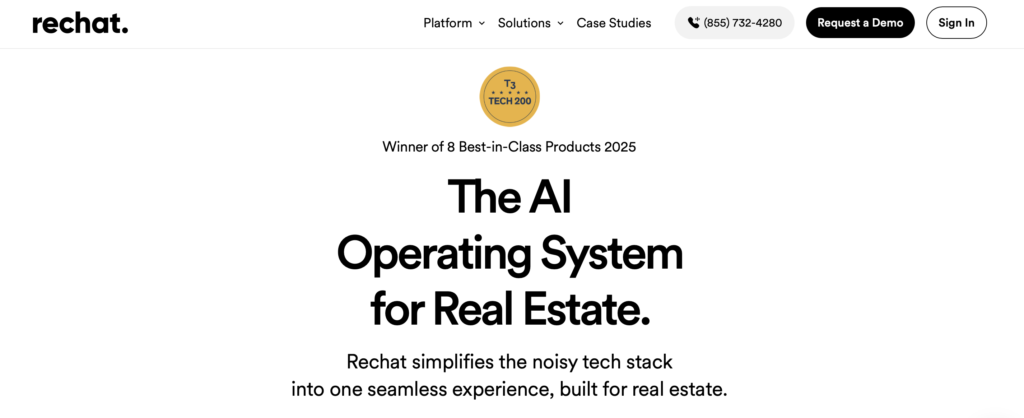
- Price: Not published anywhere on Rechat's site. Every pricing link routes to a demo request, and Lucy's help docs don't list a rate either.
- Wins at: Teams already running Rechat who want listing descriptions generated in the same workflow as their flyers and email campaigns.
- Wrong for: Anyone whose only problem is listing copy. Adopting a full CRM to get there is a lot of overhead for one feature.
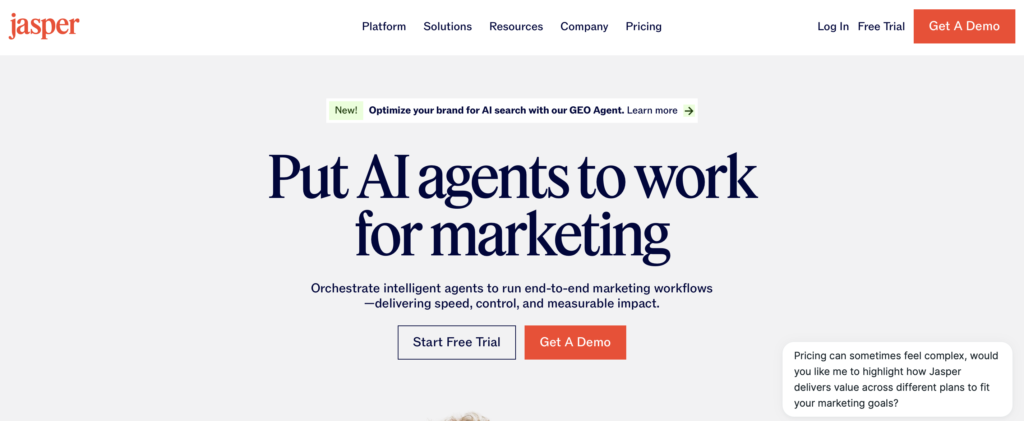
- Price: Pro $69/month per seat (monthly) or $59/month per seat (annual). Business is custom-quoted. The old entry-level "Creator" tier is gone.
- Wins at: One consistent brand voice across every piece of content a brokerage produces, listings included.
- Wrong for: A solo agent who wants to type an address and get a clean draft back. No real estate templates or Fair Housing–compliance checks are built in, and per-seat pricing isn't built for a one-person shop.
For the fundamentals AI can't replace, see our guide to writing property descriptions.
AI prospecting
Most of an agent's pipeline comes from working leads who already raised a hand. A newer set of tools tries to find likely sellers before anyone does, using public records, ownership data, and behavioral signals to score a probability instead of waiting for someone to click a form.
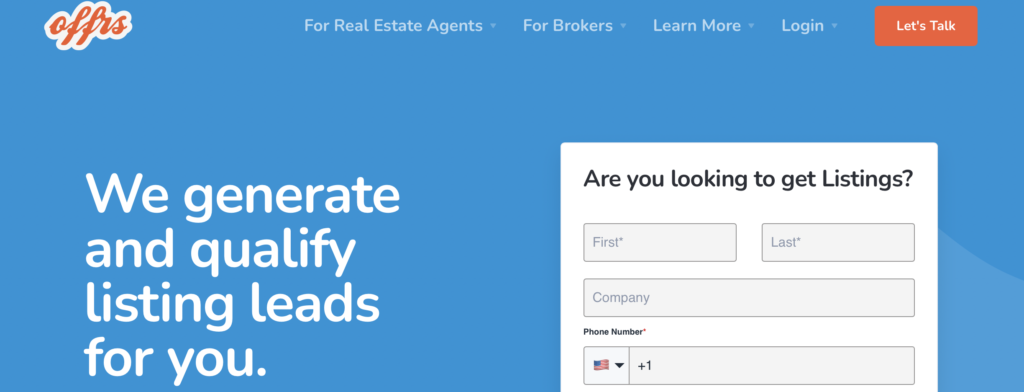
- Price: Lead Gen $399/month ($3,999/year). Lead Gen Pro + AI $699/month ($6,299/year). Lead Gen Elite + AI $999/month ($7,999/year).
- Wins at: Being the rare predictive-seller-lead tool with real, published, self-serve pricing, and splitting out its AI-driven lead-conversion tier instead of just slapping "AI" on everything.
- Wrong for: Testing the category cheaply. There's no lower tier, and the AI conversion features only kick in on the Pro and Elite plans.
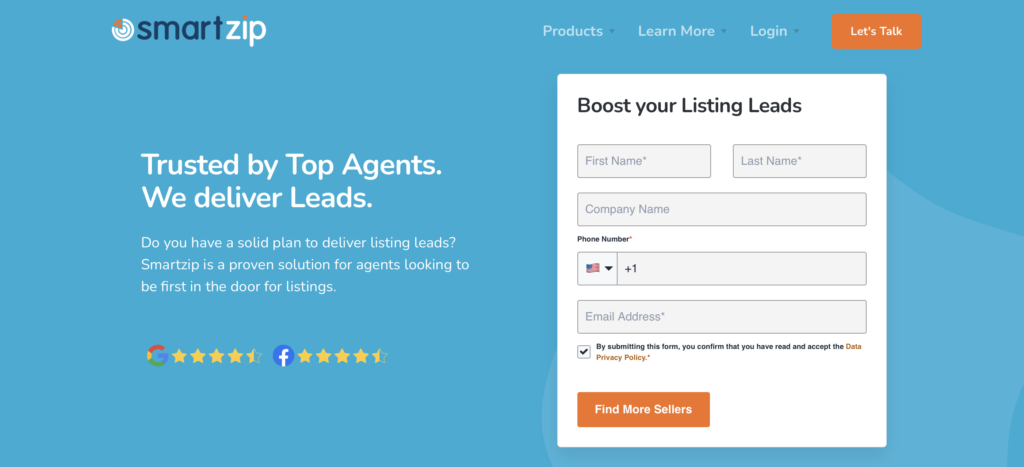
- Price: Not published. Third-party reports put it around $500/month for the smallest territory, commonly $1,000–$1,500/month for a meaningful farm area, with a mandatory 12-month contract and no free trial.
- Wins at: Predictive analytics on who's likely to sell in a specific farm area. SmartZip and Offrs are now sibling products, both folded into Constellation Real Estate Group's unified Constellation1 brand as of December 2024.
- Wrong for: Anyone who wants to see a price before talking to sales, or who isn't ready to commit to a year.
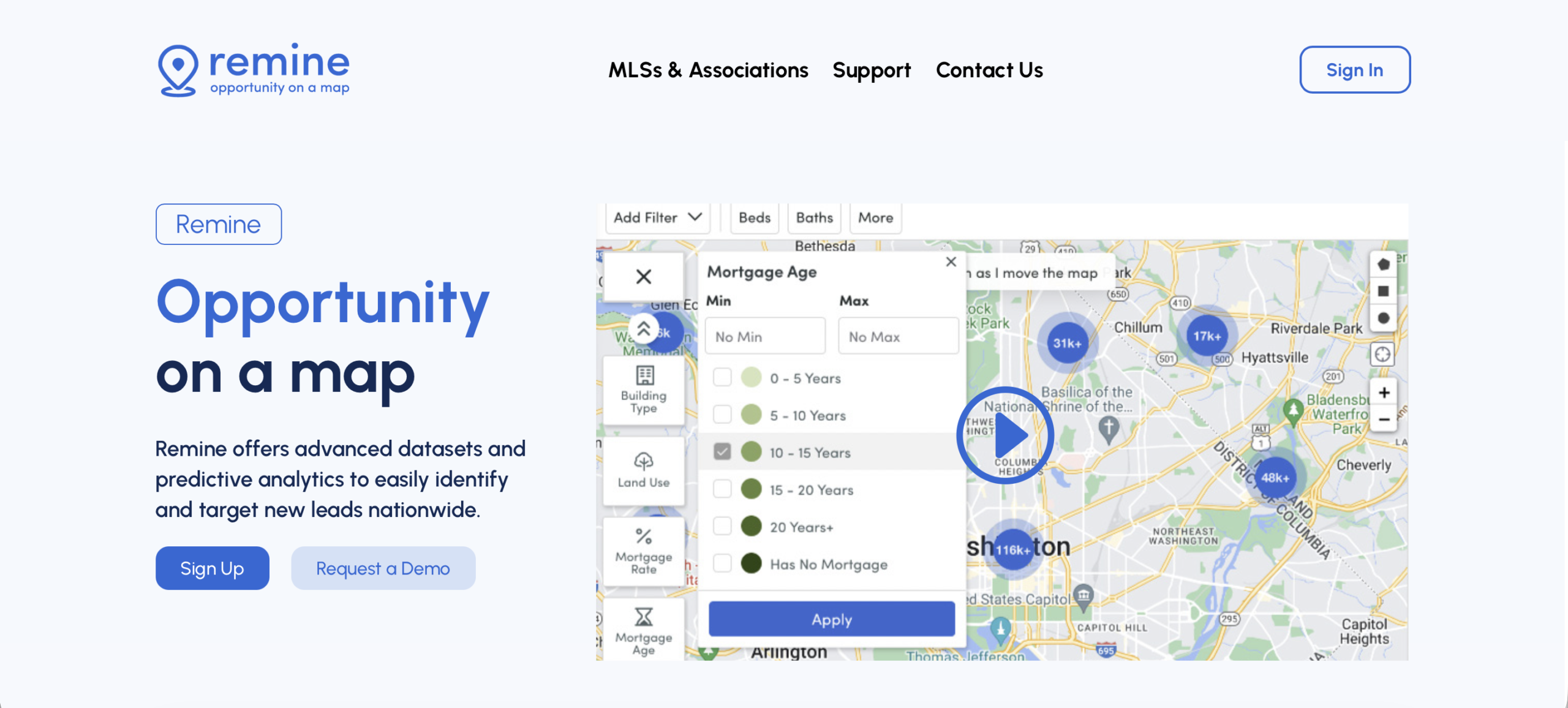
- Price: Not published. Sign-up and demo request only.
- Wins at: "Buy Score" and "Sell Score" predictive analytics built into an MLS-distributed platform, where your MLS still bundles it.
- Wrong for: Betting a long-term prospecting strategy on it. Remine's footprint shrank from roughly 1.2 million agents across 60 MLS markets in 2021 to about 600,000 agents across 40 markets by March 2025, and Place bought the company at auction for $1.5 million in April 2025, a steep drop from the $53.5 million four MLSs paid for it in 2021.
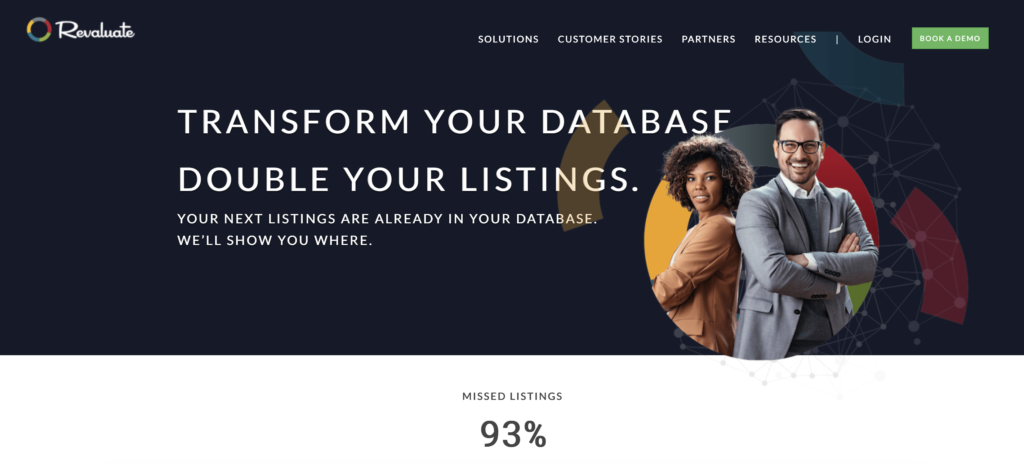
- Price: Not published. All four tiers (Starter, Growth, Scaling, Enterprise) route to a demo request rather than a checkout.
- Wins at: A different mechanism than the others here: it scores the contacts already in your own database on move-likelihood instead of prospecting the general public, so it fits an agent who wants to mine a sphere they already have.
- Wrong for: An agent starting from zero. There's nothing for it to score without an existing contact database.
Valuation
A defensible number, fast, is often the difference between winning a listing appointment and losing it to the agent who showed up prepared. AI-driven valuation tools pull and organize the comps and condition data that used to take an hour of manual research.
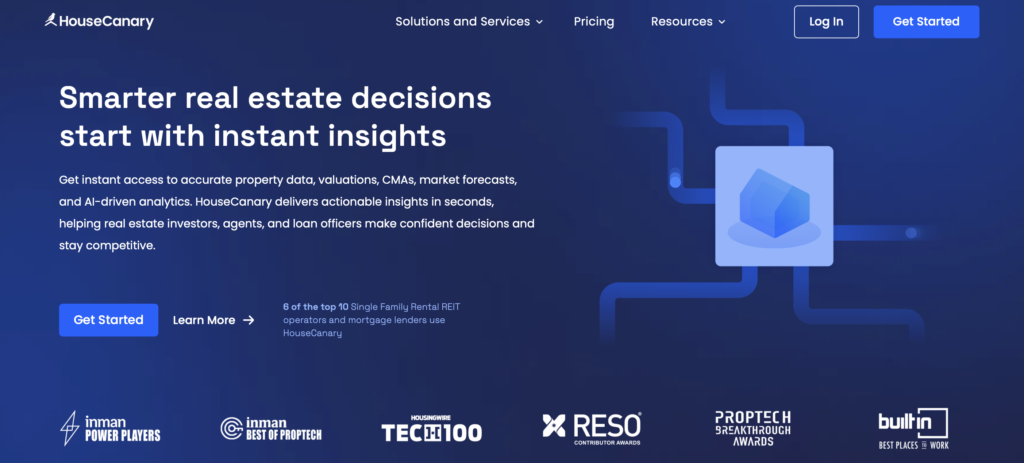
- Price: Basic $19/month (2 valuation reports + CanaryAI access), Pro $79/month (15 AVM PDF reports), Teams $199/month, Enterprise custom-quoted.
- Wins at: Fast CMA-style valuations and "propensity-to-list" prospecting data. It's the valuation tool an individual agent can actually buy today.
- Wrong for: Bulk or portfolio-level data (that's Teams or Enterprise territory), or anyone hoping for something free.
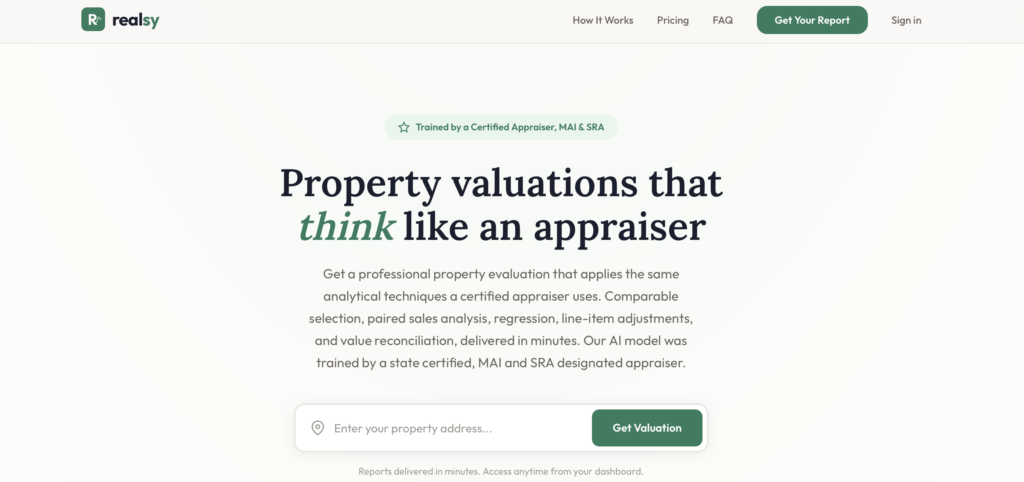
- Price: $49 (single evaluation) or $79 (scenario evaluation, as-is versus post-renovation), plus a $10 add-on for a list-price strategy. Pay per report, no subscription.
- Wins at: Defensible, line-item valuations built on Restb.ai's computer vision, scoring condition directly from listing photos. Useful for pre-listing pricing conversations or estate and divorce situations, where a client wants to see the reasoning behind the number.
- Wrong for: A USPAP-compliant appraisal or lender-grade valuation. Realsy doesn't claim to be either.
ATTOM Data and Quantarium*
*Not a fit for individual agents. Both sell enterprise, quote-only.

- Price: Enterprise, quote-only. Neither publishes a self-serve tier or instant checkout, and Quantarium has no agent-facing product at all.
- Wins at: Licensed AVM data for lenders, GSEs, and proptech companies embedding it into their own platforms.
- Wrong for: Individual agents. Both show up in other "agent" roundups anyway, which is a mismatch worth knowing before you spend time on a sales call that goes nowhere.
Marketing content
Staging, social content, and video used to mean booking a stager or a designer for every listing. AI tools now do a version of that work in minutes, at a fraction of the cost, which matters most if you list often or work with a tighter marketing budget.
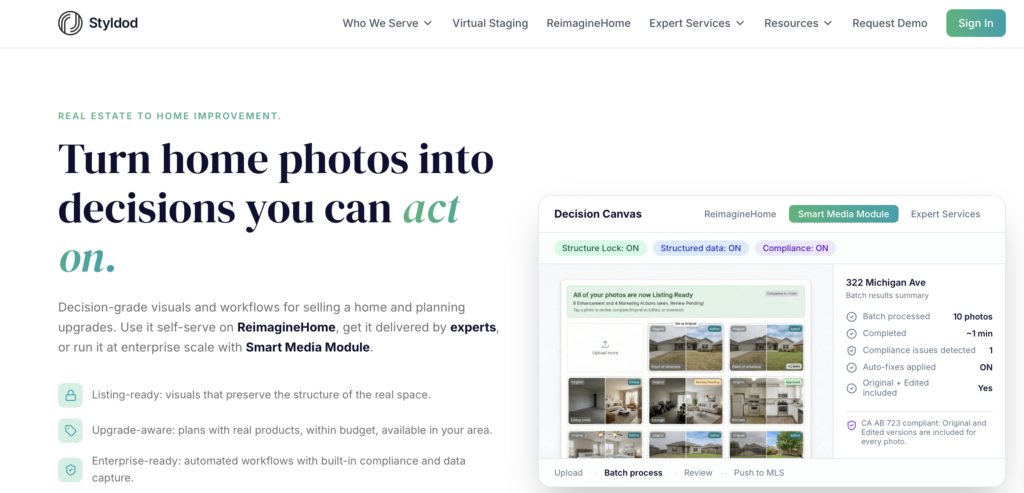
- Price: $16–23/image standard staging (drops to $16 at 8+ images), $24+ commercial, $8 object removal, $1.50 basic enhancement.
- Wins at: Luxury listings where the photos need to look designer-grade instead of merely staged.
- Wrong for: High-volume, budget-conscious agents. A 25-photo gallery runs $400–600, which eats into commission fast on a lower-priced listing.
For more on when staging is worth it, see our guide to virtual staging.
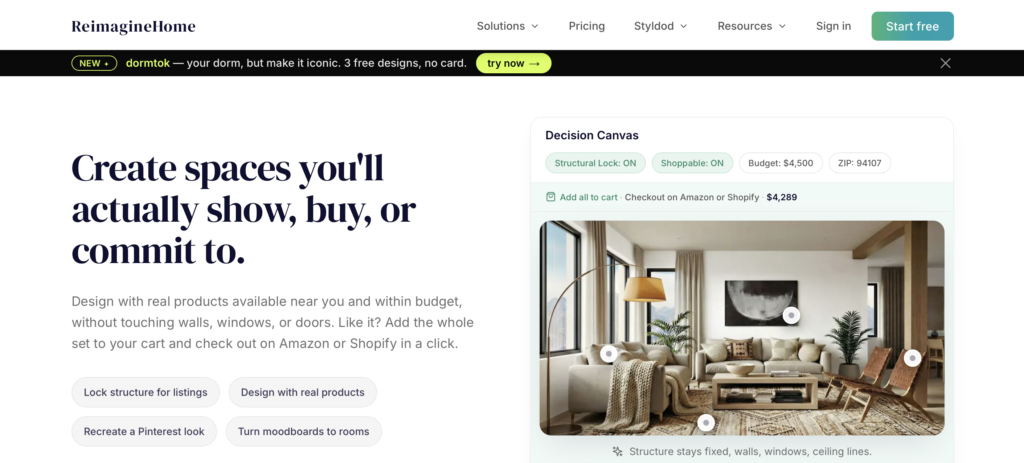
- Price: 5 free designs for new users, then credit-based paid plans from $14 to $99/month across four tiers (Essential, Pro, Advanced, Agency), per REimagineHome's own pricing page.
- Wins at: Volume. Speed and price make it the better fit for agents staging many listings a month rather than a handful of hero shots, including a "shoppable" furniture mode added in 2026.
- Wrong for: A single luxury listing where every image needs to look designer-grade. Save that one for Styldod.
Canva (Magic Studio)

- Price: Pro $18/month (monthly) or $180/year, about $15/month (annual). Canva's own page promises "10x more AI" than free without naming a credit number, and its separate AI Pass add-on has no published price, so confirm the rate before you budget for it.
- Wins at: DIY social graphics, flyers, and captions using real estate templates and a saved brand kit.
- Wrong for: An agent who wants done-for-you captions and a posting calendar without touching a design tool. Look at Coffee & Contracts instead.

- Price: Not a single global rate. Cost varies by region and device, so check inside the app before buying. Confirmed on CapCut's help center: Pro plans get 1,200 AI credit points/month, up from 550 previously.
- Wins at: Turning listing walkthrough footage into polished Reels and TikToks, with 4K export, AI avatars, voice cloning, and text-to-video.
- Wrong for: Photo work or content planning. It's an editor, not a staging tool or a captions library.
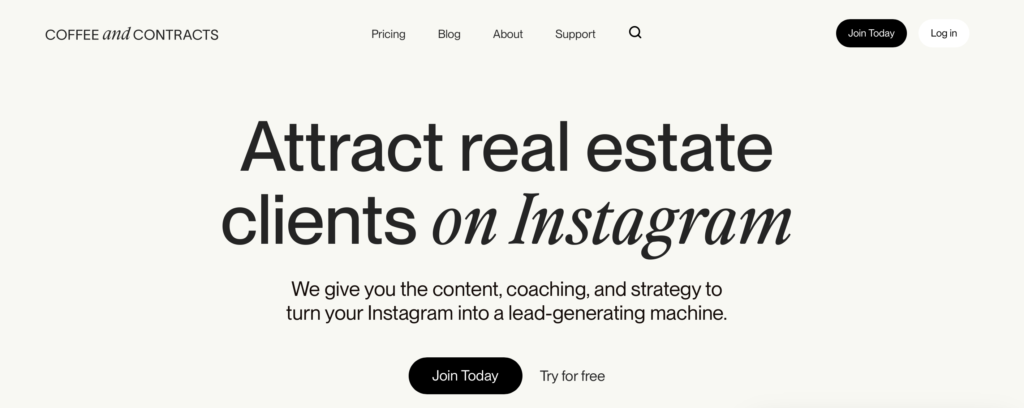
- Price: $74/month, $199/quarter (saves $92/year over monthly), or $740/year (two months free).
- Wins at: Zero design or writing lift. It's a done-for-you monthly library of captions, Reel scripts, and Canva-ready templates, not AI-generated content, which makes it the right comparison point against the AI tools above.
- Wrong for: Original content that doesn't look like every other subscriber's feed in your market. Templates are shared across the whole customer base.
Admin and back office
Contracts, compliance checks, and e-signatures eat hours that don't generate income. AI is starting to read documents and flag what's missing faster than a person can, though most of this category is still catching up on that promise.

- Price: Suite pricing starts at $340/month, no long-term contract, no published per-seat tiers.
- Wins at: Transaction compliance with a genuine AI layer, though not the one most roundups credit it for. The real AI feature is Ayce (launched February 2026), a coaching app that turns income goals into a daily task list, not a document-scanning bot. Its file-review tool (Quick Audit File Review) isn't marketed as AI on SkySlope's own site.
- Wrong for: A solo agent who needs basic e-signature and nothing more. There's no lighter entry point below $340/month.

- Price: $14.99 per contract intake, first one free, bulk discounts up to 27% off, no monthly fee. (Ava Sign, a separate e-signature add-on, runs $29.99/user/month.)
- Wins at: Its Ava assistant reads an executed contract and automatically builds out the timeline and tasks, real contract extraction rather than a template checklist.
- Wrong for: A high-volume brokerage that wants flat-rate, unlimited-seat pricing. Per-contract fees add up fast once you're closing dozens of deals a month.
*Skip it if you're specifically shopping for AI.
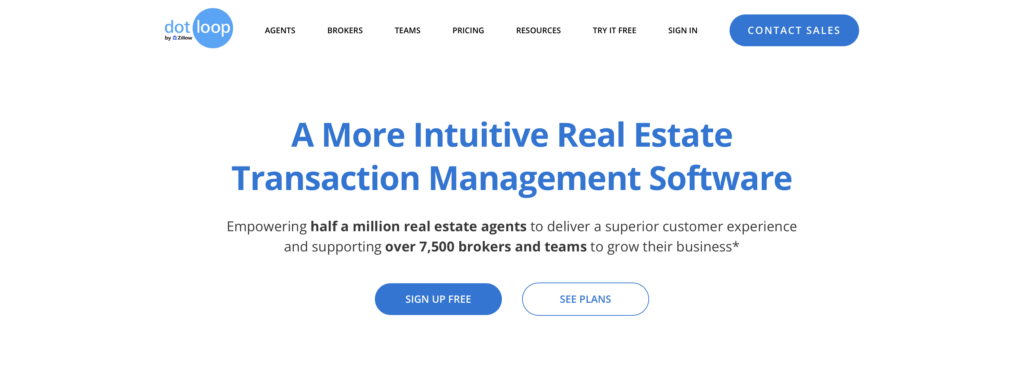
- Price: $29–$34.99/month, or $344/year at 18% off, with a free tier capped at 10 transactions.
- Wins at: Being the cheapest, simplest transaction and e-signature tool for independent agents. It does that one job well.
- Wrong for: AI. It hasn't shipped meaningful AI contract-review or compliance features. Its "Automated Compliance Workflows" and "Audit Trail" are rules-based, not AI, though it still shows up in other "AI tools" roundups.
General AI assistants you might already be paying for
Plenty of agents already have a ChatGPT, Claude, Perplexity, or Gemini subscription for reasons that have nothing to do with real estate. None of these are real-estate-specific, and none of them check Fair Housing compliance, pull live MLS data, or plug into a CRM. But each one has a specific job it does well.
| Tool | Price | Best for | Wrong for |
|---|---|---|---|
| ChatGPT | Free, $8/mo (Go), $20/mo (Plus), $100–$200/mo (Pro) | Broad drafting: listing copy, email sequences, social captions, plus Deep Research for a first-pass market write-up | MLS-verified data or compliance-checked copy without a human review pass |
| Claude | Free, $17–$20/mo (Pro), $100+/mo (Max) | Reading and summarizing a long document, a disclosure packet or contract PDF, and flagging what changed between versions | Live comps or a valuation, since it reads documents you already have rather than sourcing new data |
| Perplexity | Free, $20/mo (Pro), $200/mo (Max) | Research with inline citations on a neighborhood trend, school district, or competitor, with links you can hand a client | Anything client-facing without a second check against MLS or county records |
| Gemini | $7.99/mo (Plus) up to $200/mo (Ultra, cut from $250 at Google I/O 2026) | Drafting and proofing inside Gmail, or summarizing data in Sheets | Anything property-specific needing MLS-grade accuracy, fine for a draft email but not for a CMA |
For the bigger picture on where AI fits into a real estate business beyond these jobs, see our own rundown of AI in real estate.
What Luxury Presence builds in, so you're not stacking another subscription
Every tool above is a bolt-on: a separate subscription, a separate login, a separate bill, on top of whatever CRM or website you're already running. Luxury Presence builds AI into the platform itself, so lead scoring, nurture, and your website work from the same data instead of three separate logins.
Every Luxury Presence website comes with an AI-powered CRM built in: lead scoring and contact research, life event intelligence (birthdays, marriages, job changes) pulled from public records and social profiles, and a daily action plan with personalized message drafts, so you know who to reach out to and what to say before you open your phone.
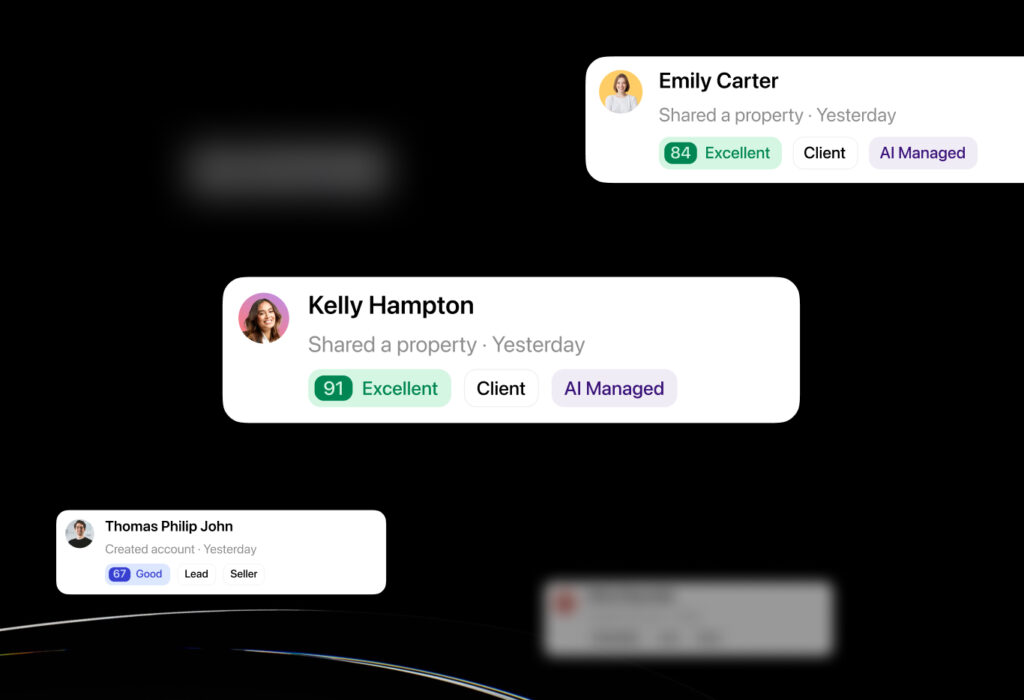
AI Lead Nurture builds on that CRM. When a new lead submits a form, an AI specialist named Alex replies within minutes and keeps following up by text until the lead is ready to talk, averaging 25 touchpoints per conversation. Alex can't pull MLS listing details, so if a lead asks for specifics on a property, it loops in the agent instead of guessing.
Agents on the platform report lead response rates above 50% and warm handoff rates above 14%, per Luxury Presence's own 2026 platform data. Taylor Lucyk, a New Jersey broker, generated 40 appointment requests in three months using it.
Frontgate Real Estate closed a $6 million sale after it sent 726 messages and surfaced 96 qualified prospects from $1,400 in ad spend.
The bottom line
If you only have budget for one tool per job:
- Listing copy: ListingCopy.ai
- AI prospecting: Offrs, the only one in the category with a published, self-serve price
- Valuation: HouseCanary
- Marketing content: REimagineHome, for staging at scale; Coffee and Contracts for Social Media
- Admin: ListedKit, if you want AI actually reading your contracts instead of just storing them
If you already pay for ChatGPT, Claude, Perplexity, or Gemini, use it for drafting and research, and keep a dedicated tool for anything client-facing or compliance-sensitive. Everything else on this list is the right call for a more specific situation.
Pricing and feature sets in this category move fast, so we'll revisit this list as tools update, reprice, or get replaced. That's the point of ranking it this way instead of copying last year's post. Screenshots captured August 2026. Product may have changed.
FAQs on real estate AI tools
Ready to grow?
Turn your content into your best lead source
See how Luxury Presence helps agents turn website visits into closed deals