
The best apps for real estate agents in 2026 do more than add features to your phone. They remove friction from your day, capture leads you would otherwise miss, and keep your business running while you are face-to-face with clients. According to the National Association of Realtors, keeping up with new technology remains one of the biggest challenges agents, teams, and brokers report (NAR Technology Survey, 2026). With hundreds of real estate apps competing for your attention, the question is not whether to adopt new tools but which ones deserve a spot on your home screen. This guide breaks down 18 of the top realtor apps across six categories, explains what to look for before you download, and shows you how to build a tech stack that fits the way you actually work.
Find It Fast
Key takeaways
- Start with your biggest bottleneck, not the longest feature list. Identify the one or two workflow gaps costing you the most time or money, then pick the app that solves those gaps first.
- Mobile-first matters more than ever. In 2026, agents who can respond to leads, sign documents, and manage showings from a phone close deals faster than those tied to a desktop.
- Integration beats isolation. An app that connects to your CRM, your Multiple Listing Service (MLS) feed, and your email platform will save you more hours per week than a standalone tool with a longer feature list.
- You do not need all 18 apps. The agents who thrive are not using the most tools. They are using the right ones, consistently.
Why trust this guide
Luxury Presence builds websites, mobile apps, and marketing systems for thousands of real estate professionals across the United States and Canada. The platform powers digital experiences for agents and teams ranked among the top producers in the country, including a significant share of the RealTrends Top 100. That hands-on work with high-performing agents gives the editorial team direct visibility into which tools agents actually rely on day to day, and which ones collect dust after the first week.
How we selected these apps
Every app on this list was evaluated against the nine criteria outlined in the “What to look for” section below. The selection process weighted three factors most heavily: mobile compatibility, integration with common real estate platforms (CRM, MLS, email), and active development status in 2026. Apps that had not released a meaningful update within the past 12 months were excluded.
The editorial team reviewed App Store and Google Play ratings, third-party review platforms such as G2 and Capterra, and direct product documentation. Pricing was verified against each app’s official website. The final list of 18 apps spans six functional categories so that agents, teams, and brokers can find tools matched to their specific workflow gaps rather than adopting a one-size-fits-all stack.
2026 real estate app comparison table
Use this table to compare all 18 apps at a glance before reading the detailed breakdowns below.
| App | Category | Best for | Platform | Starting price | Standout feature |
| CamScanner | Productivity | Solo agents scanning contracts in the field | iOS, Android | Free (premium from $4.99/mo) | OCR text recognition on scanned documents |
| Dotloop | Productivity | Teams managing multiple transactions | iOS, Android, Web | Free for agents (premium plans vary) | E-signatures and transaction tracking in one place |
| Dropbox | Productivity | Agents who need cloud file access across devices | iOS, Android, Web | Free (Plus from $11.99/mo) | Cross-device file sync and sharing |
| Zillow Premier Agent | Lead generation | Agents buying leads from high-traffic portals | iOS, Android, Web | Pay-per-lead (varies by ZIP code) | Direct connection to Zillow’s buyer traffic |
| Rila | Lead generation | Agents focused on lifestyle-driven discovery | iOS, Android | Free to post (no advertising fees) | Community-based listing discovery |
| Constant Contact | Communication | Agents running email drip campaigns | iOS, Android, Web | From $12/mo | Email campaign builder with analytics |
| Tidio | Communication | Agents adding live chat to their website | iOS, Android, Web | Free (paid from $29/mo) | Chatbot and live chat in one widget |
| Canva | Communication | Agents creating marketing graphics without a designer | iOS, Android, Web | Free (Pro from $12.99/mo) | Thousands of real estate templates |
| Buffer | Communication | Agents scheduling social posts in advance | iOS, Android, Web | Free (paid from $6/mo per channel) | Optimal posting time suggestions |
| CapCut | Communication | Agents editing listing videos on mobile | iOS, Android, Web | Free (Pro from $7.99/mo) | AI-powered video editing and transcription |
| Meta Business Suite | Communication | Agents managing Facebook and Instagram from one app | iOS, Android, Web | Free | Unified inbox for messages and comments |
| Spacio | Open house | Agents offering virtual 3D property tours | iOS, Android, Web | Varies by plan | Immersive 3D tour hosting |
| Curb Hero | Open house | Agents capturing leads at in-person open houses | iOS, Android, Web | Free | Touchless digital sign-in with CRM sync |
| Pipedrive | CRM | Solo agents who want a visual sales pipeline | iOS, Android, Web | From $14/user/mo | Drag-and-drop deal pipeline |
| Follow Up Boss | CRM | Teams routing and tracking leads across agents | iOS, Android, Web | From $58/user/mo | Speed-to-lead tracking and smart lists |
| LionDesk | CRM | Agents who want built-in drip campaigns | iOS, Android, Web | From $25/mo | Video email and text campaigns inside the CRM |
| Real Safe Agent | Safety | Agents working solo showings | iOS, Android | Free (premium plans available) | Showing route tracking with emergency alerts |
| bSafe | Safety | Agents who want GPS sharing with a trusted network | iOS, Android | Free (premium from $2.99/mo) | One-touch SOS with live location sharing |
What to look for in the best apps for real estate agents
Before you download anything, run each app through these nine evaluation criteria. An app that scores well on most of these points is worth testing. An app that fails on more than two is probably not worth your time.
- User interface and experience: A well-designed app is fast to learn and pleasant to use. If you need a tutorial longer than five minutes, the app will slow you down instead of speeding you up.
- Features matched to your workflow: Look for capabilities that map directly to how you work: property search filters, mapping, virtual tours, CRM connections, document management, and communication tools.
- Data accuracy and reliability: The app should pull current data on properties, neighborhoods, and market trends. Stale data costs you credibility with clients.
- Mobile compatibility: In 2026, most of your work happens away from a desk. Any app that does not run smoothly on both iOS and Android smartphones and tablets is a non-starter.
- Integration capabilities: The app should connect to your CRM, your MLS feed, your email platform, and your document management system. Isolated tools create extra manual work.
- Security and privacy: Real estate transactions involve sensitive financial and personal information. Look for data encryption, secure authentication, and compliance with industry privacy standards.
- Room to grow: As your business adds agents or transaction volume, the app should handle the increase without forcing a platform switch. Check whether the pricing model scales reasonably.
- Cost relative to value: Weigh the subscription cost against the hours saved or leads gained. A $30/month app that saves you five hours a week is a bargain. A free app that wastes 30 minutes every day is expensive.
- User reviews and reputation: Before committing, read reviews on the App Store, Google Play, G2, and Capterra. Pay attention to complaints about bugs, customer support response times, and recent update frequency.
“AI-powered tools are unlocking our ability to do things like hosting an open house, chatting with new leads, pre-qualifying our internet leads to make sure that they’re actually legit, and sending feedback requests from our recent showings all at the same time.”
— Chris Linsell, Real Estate Coach and Tech Columnist
That quote captures the shift happening in 2026: the best real estate apps do not just digitize a single task. They let you run multiple parts of your business in parallel, from lead qualification to showing feedback, without switching between a dozen screens.
Best productivity apps for real estate agents
Productivity apps remove the paperwork bottleneck that slows down transactions. The three tools below handle document scanning, transaction management, and cloud file storage so you spend less time on admin and more time with clients.
CamScanner
CamScanner turns your smartphone camera into a portable document scanner. Point it at a contract, agreement, or receipt and the app creates a clean PDF in seconds. Its optical character recognition (OCR) feature converts scanned pages into searchable, editable text, which means you can find a specific clause in a 40-page listing agreement without scrolling through every page.
Best for: Solo agents who sign and scan documents at kitchen tables, coffee shops, and listing appointments.
Dotloop
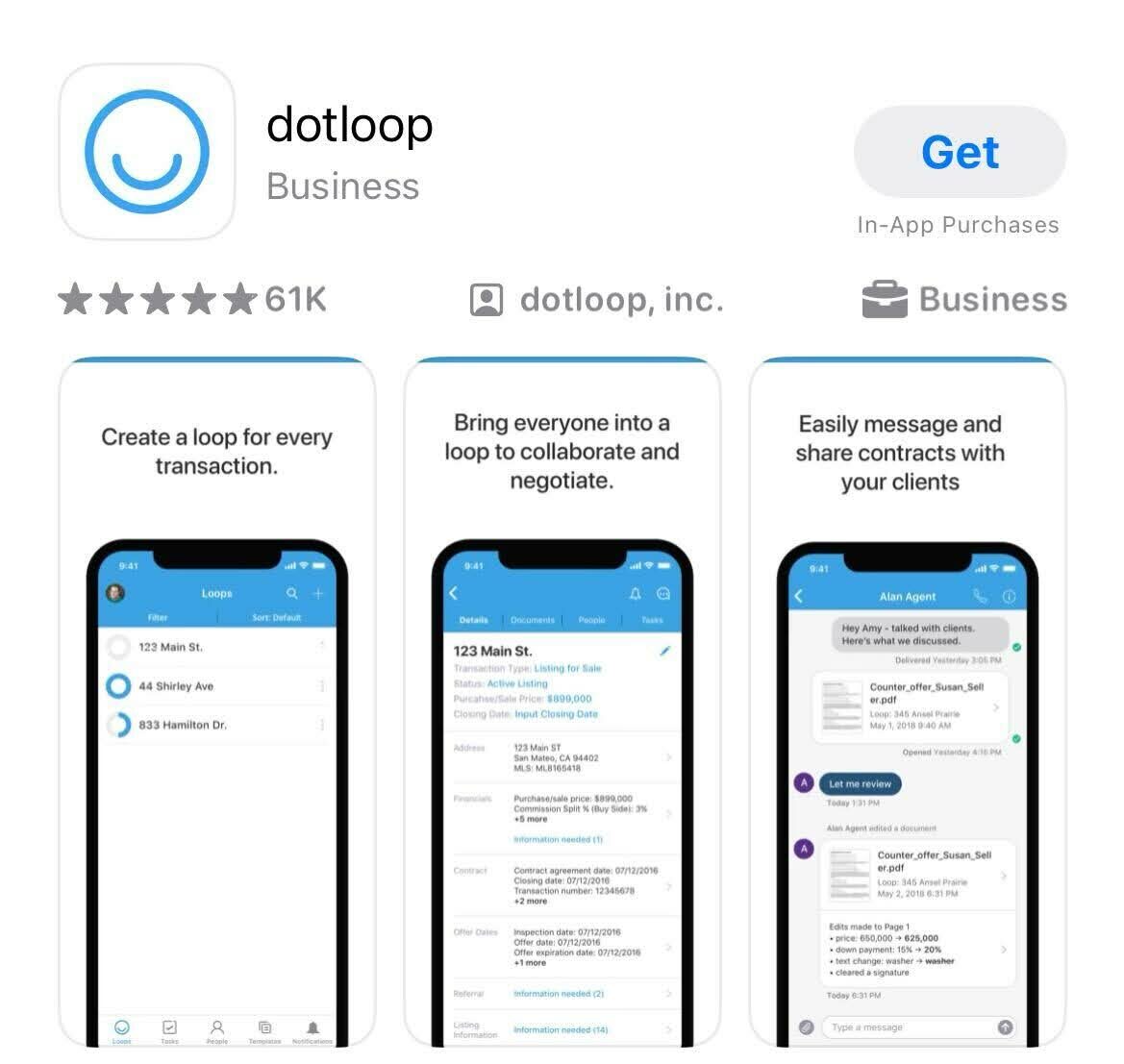
Dotloop, a Zillow Group company, manages transactions from initial offer through closing inside a single platform. It centralizes document storage, e-signatures, and task tracking so agents, clients, and brokers can collaborate without emailing attachments back and forth. The app connects to many popular CRM and accounting tools, which reduces duplicate data entry across your tech stack.
Best for: Teams and brokerages handling high transaction volume who need every party working from the same document set.
Dropbox
Dropbox stores, syncs, and shares files across every device you own. Save listing photos on your phone at a showing and access them from your laptop five minutes later. The built-in document scanner and folder organization features make it a solid backup system for property files, deal folders, and marketing assets.
Best for: Agents who work across multiple devices and need a single place to store and retrieve every file tied to a deal.
Best lead generation apps for real estate agents in 2026
Real estate lead generation apps connect you with buyers and sellers who are actively searching for properties or agents. The two tools below take different approaches: one taps into the largest consumer real estate portal in the U.S., and the other builds a community-driven discovery experience.
Best for: Agents who want to buy leads from a high-traffic portal and have the speed-to-lead discipline to respond within minutes.
Rila
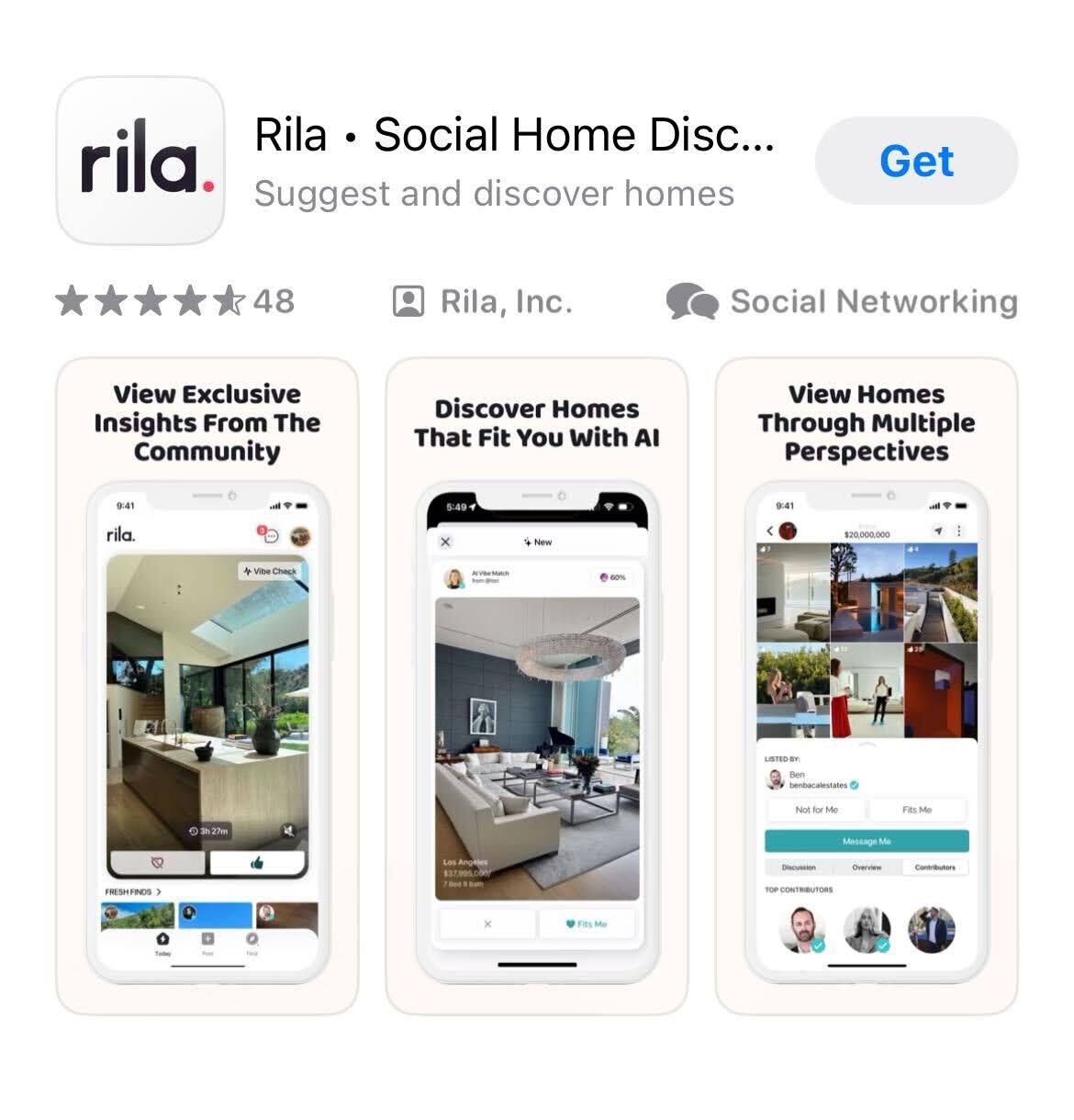
Created by Ben Bacal, a top-producing luxury agent at Revel Real Estate in Los Angeles, Rila takes a different approach to connecting agents with buyers. Instead of a traditional search-by-filter model, Rila relies on community-driven discovery. Buyers scroll through curated listings that match their lifestyle preferences, and agents earn the ability to post through expertise and engagement rather than paid advertising.
Best for: Agents in lifestyle-driven markets who want organic exposure without paying per lead.
Best communication and marketing apps for real estate agents
Communication and marketing apps keep you visible to your sphere, your leads, and your past clients. The six tools in this section cover email campaigns, social media scheduling, graphic design, video editing, live chat, and unified social inbox management.
| App | Primary use | Best for | Free tier |
| Constant Contact | Email marketing | Drip campaigns and newsletters | No (paid from $12/mo) |
| Tidio | Website live chat | Capturing website visitor leads | Yes |
| Canva | Graphic design | Social posts, flyers, listing presentations | Yes |
| Buffer | Social media scheduling | Batch-scheduling posts across platforms | Yes (up to 3 channels) |
| CapCut | Video editing | Listing tours, Reels, and short-form video | Yes |
| Meta Business Suite | Social inbox and scheduling | Managing Facebook and Instagram in one place | Yes |
Best for: Agents who rely on email as a primary nurture channel and want to monitor open rates and click-throughs on the go.
Tidio
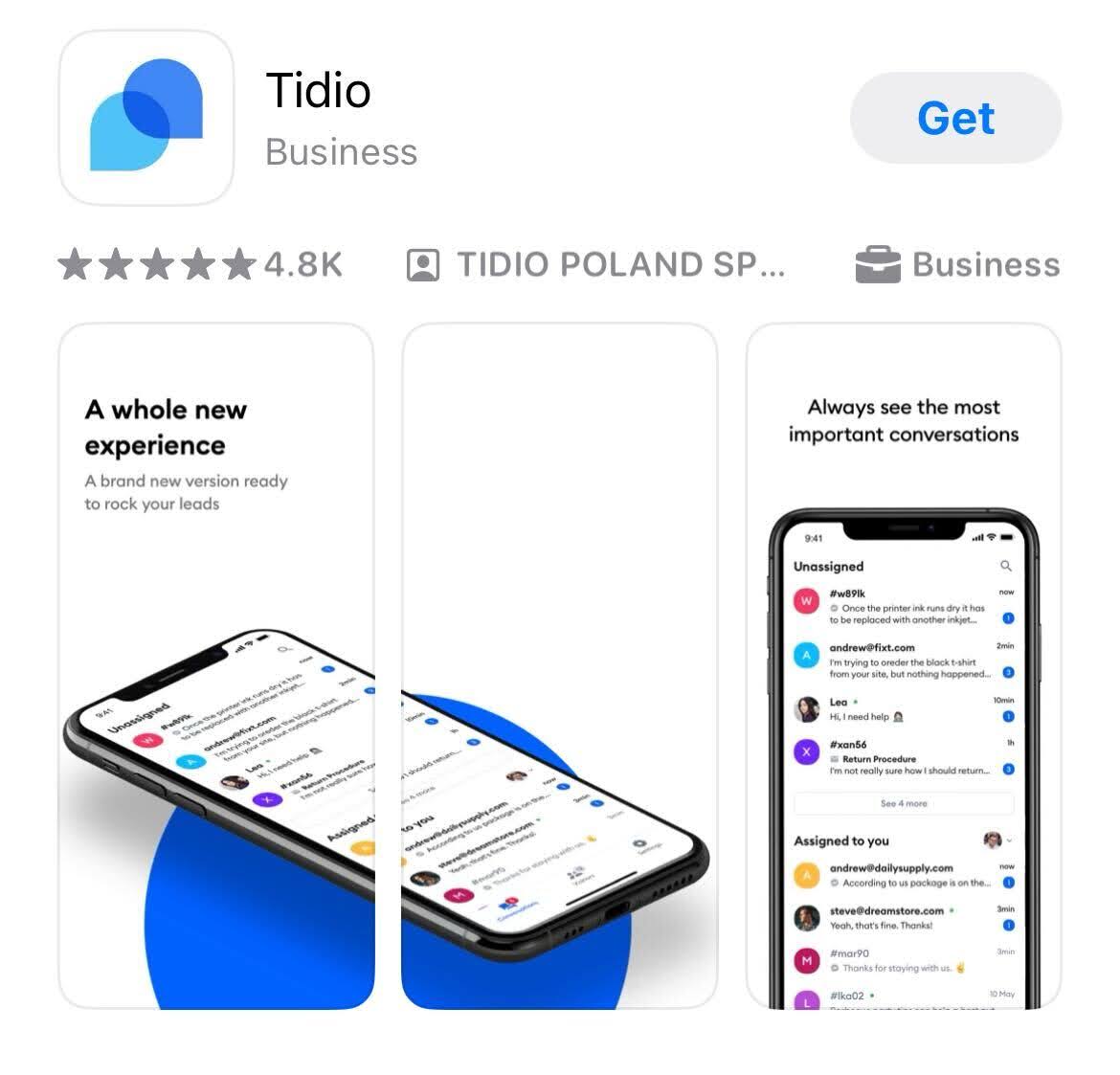
Tidio adds live chat and chatbot functionality to your website. The widget is fully customizable to match your site’s branding, and the chatbot can answer common visitor questions, collect contact information, and route conversations to you in the mobile app. It integrates with several website platforms and CRM tools, so new leads flow directly into your pipeline.
Best for: Agents whose websites receive steady traffic and who want to capture visitor inquiries outside of business hours.
Canva
Canva gives you access to thousands of free templates for social media posts, listing flyers, open house invitations, and presentation decks. The free tier covers most basic design needs. The Pro tier (from $12.99/mo) unlocks brand kits, background removal, and a larger asset library. The mobile app makes it easy to create a graphic on your phone and publish it directly to your social accounts.
Best for: Agents who do not have a dedicated graphic designer and need to produce polished marketing materials quickly.
Buffer
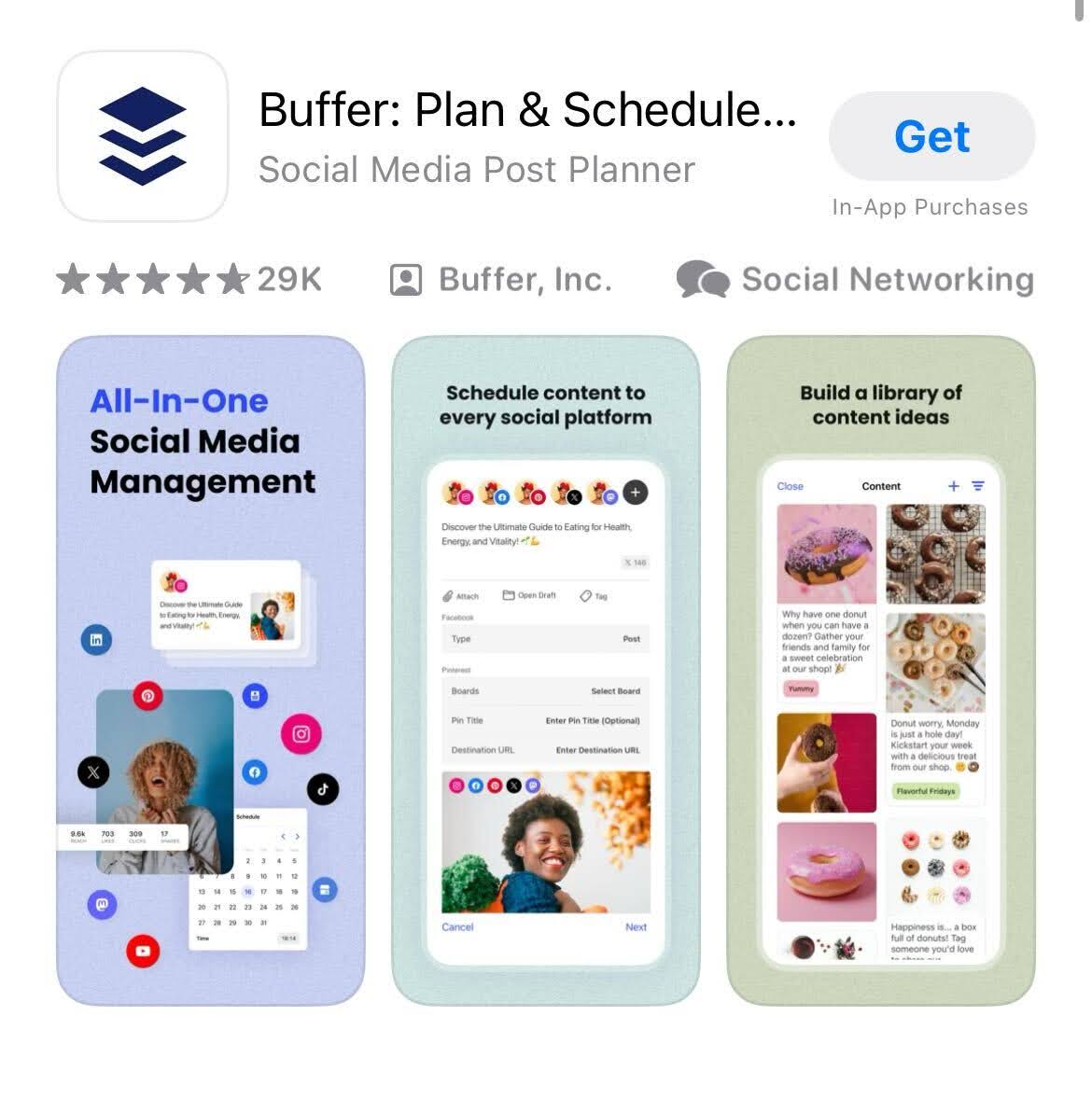
Buffer lets you plan content and schedule posts across Instagram, Facebook, LinkedIn, X (formerly Twitter), and other platforms from a single dashboard. The app suggests optimal posting times based on your audience’s activity patterns and provides performance analytics so you can see which content types drive the most engagement. Team collaboration features let multiple agents or a marketing coordinator contribute to the same content calendar.
Best for: Agents or teams who batch-create social content weekly and want to maintain a consistent posting schedule without daily manual effort.
CapCut
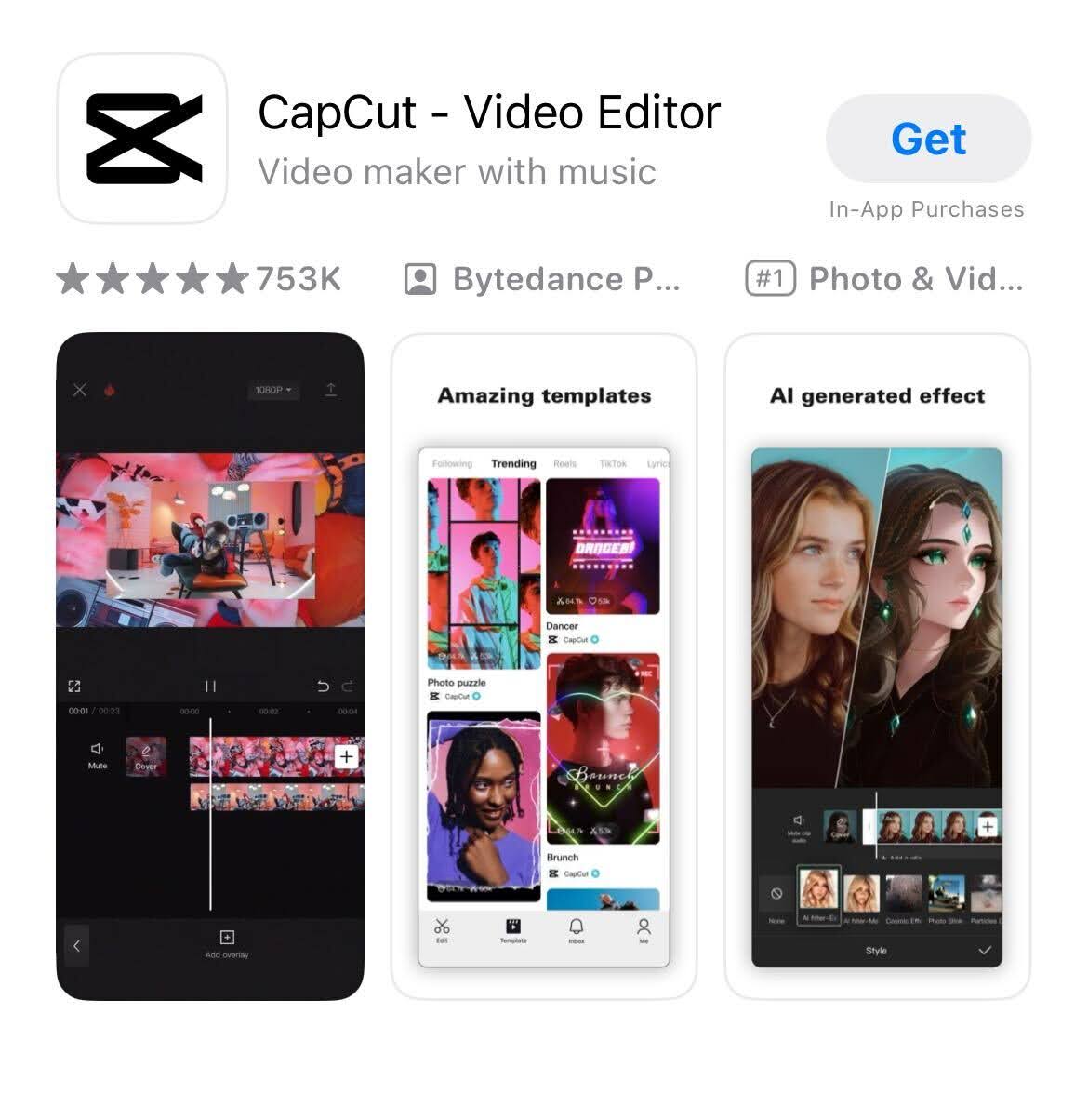
CapCut, developed by ByteDance, is a mobile video editor with AI-powered features including auto-captioning, background removal, and audio cleanup. Real estate agents use it to produce property tour videos and short-form content for Instagram Reels, TikTok, and YouTube Shorts. As video marketing continues to drive engagement in 2026, CapCut removes the need for expensive desktop editing software.
Best for: Agents creating listing walkthroughs, neighborhood spotlights, or personal brand videos on their phone.
Meta Business Suite
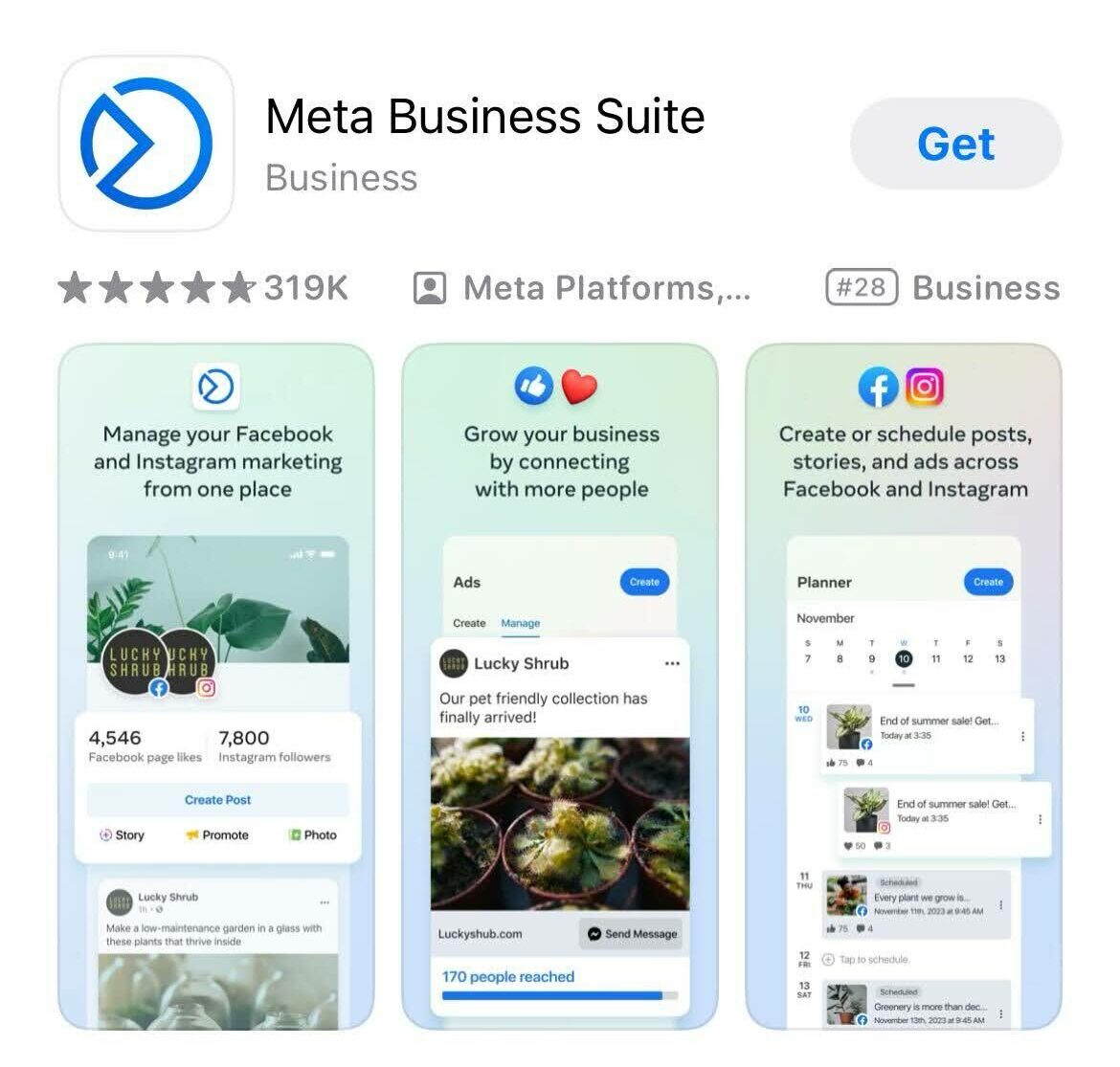
Meta Business Suite, from Meta (the parent company of Facebook and Instagram), is a free tool for managing both platforms from a single mobile app. You can schedule and publish posts, respond to messages and comments in a unified inbox, review performance analytics, and manage ad campaigns. For agents who run paid social ads alongside organic content, it consolidates two platforms into one workflow.
Best for: Agents who are active on both Facebook and Instagram and want a single app for posting, messaging, and ad management.
Best open house apps for real estate agents
Open house apps solve two problems: capturing visitor contact information accurately and extending your property’s reach beyond the people who walk through the door. The two tools below handle virtual tours and digital sign-in.
Spacio
Spacio is a virtual tour platform that lets agents showcase properties through immersive 3D experiences. Buyers can explore a listing room by room from their own device, which expands your audience to out-of-town relocators and busy professionals who cannot attend an in-person showing. For listing agents, Spacio adds a marketing layer that keeps a property visible long after the open house ends.
Best for: Listing agents marketing properties to remote or out-of-state buyers.
Curb Hero
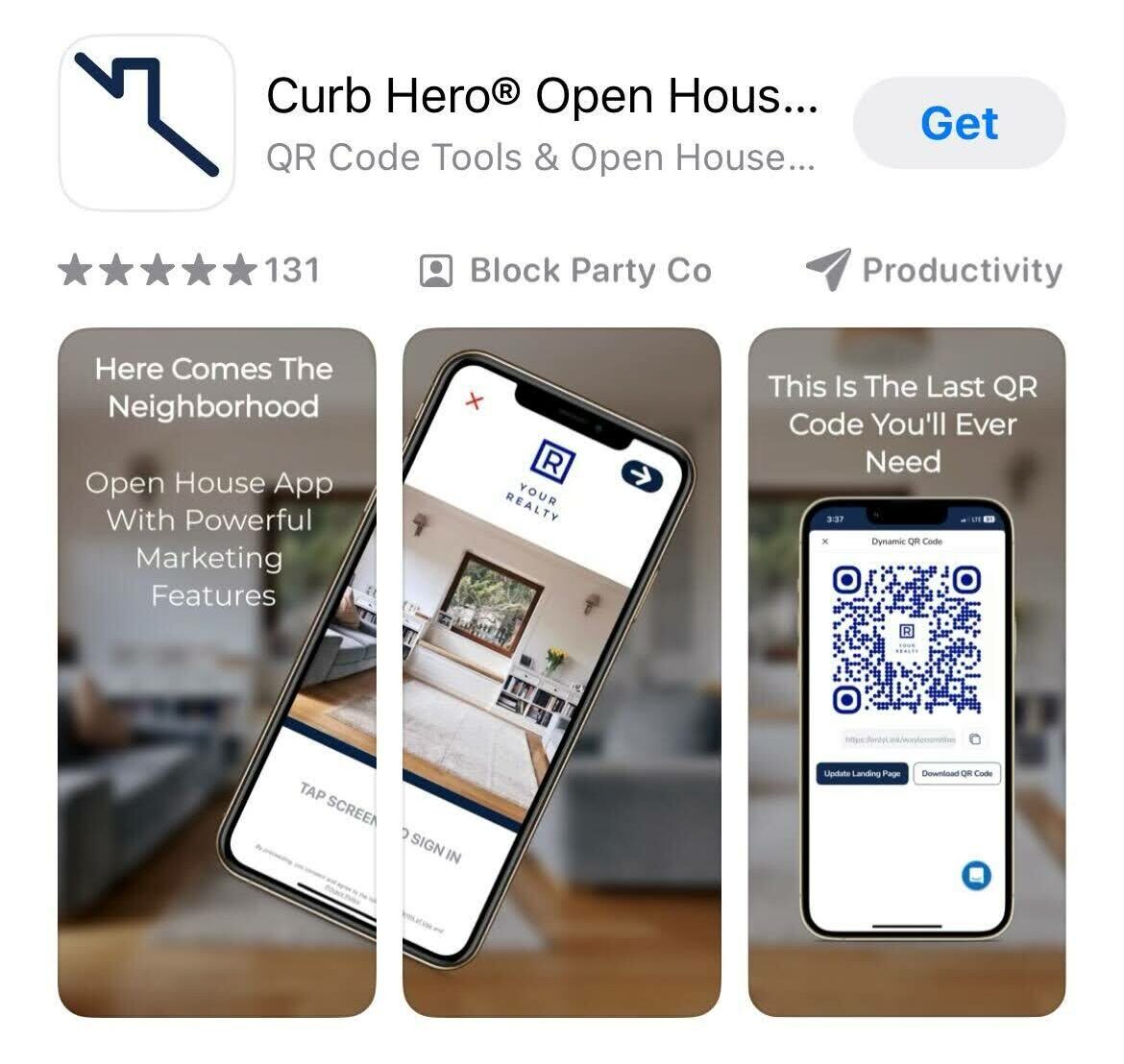
Curb Hero replaces the paper sign-in sheet with a touchless digital form. Visitors enter their contact information on a tablet or their own phone, and the app sends those new leads directly to your CRM. No more deciphering bad handwriting or manually typing names into a spreadsheet after the event. Curb Hero also offers single property sites and photo editing tools as bonus features.
Best for: Agents who host frequent open houses and want every visitor’s contact information captured cleanly and routed to their follow-up system.
Best CRM apps for real estate agents in 2026
A CRM is the operating system of your client relationships. It tracks every lead from first contact through closing and keeps your follow-up consistent even when your calendar is packed. The three CRM apps below serve different agent profiles, from solo practitioners to large teams.
That mindset is exactly what separates agents who close consistently from those who lose deals to slow follow-up. The right CRM app keeps every contact moving forward, whether they are a brand-new internet inquiry or a past client ready to sell.
Pipedrive
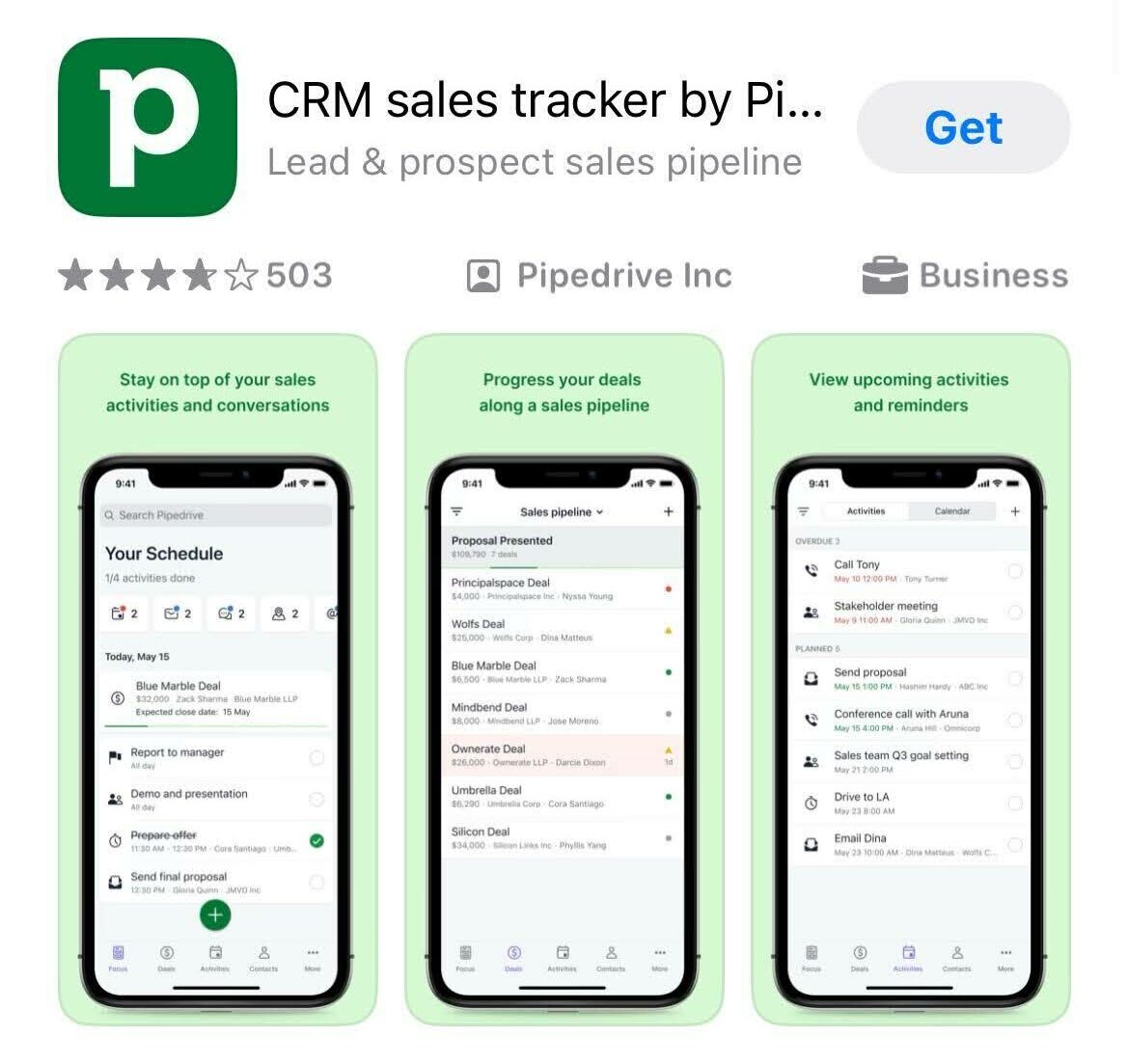
Pipedrive, now owned by Vista Equity Partners, is a CRM built around a visual sales pipeline. You drag deals from stage to stage, and the app reminds you when a follow-up is due. The mobile app gives you on-the-go access to contacts, deal details, and activity logs. While Pipedrive is not built specifically for real estate, its flexibility makes it a strong fit for solo agents who want a clean, visual way to track their pipeline.
Best for: Solo agents who prefer a visual pipeline view and want a CRM that is simple to set up without heavy customization.
Best for: Teams and brokerages that need lead routing, accountability tracking, and multi-source lead aggregation in one platform.
LionDesk
LionDesk is a CRM built for real estate agents who want marketing automation baked into their contact management. It includes drip email campaigns, video email, and text message campaigns alongside standard lead tracking and task management. The mobile app lets you manage contacts, trigger follow-up sequences, and review campaign performance from your phone.
Best for: Agents who want their CRM and their email/text marketing in a single tool rather than connecting separate platforms.
Best safety apps for real estate agents
Agent safety is not optional. Solo showings, vacant properties, and meetings with unfamiliar clients create real risk. The two apps below give you location sharing, emergency alerts, and showing route tracking so someone always knows where you are.
Real Safe Agent
Real Safe Agent was built specifically for the safety concerns real estate professionals face. The app tracks your showing routes automatically, sends emergency alerts to your designated contacts, and allows anonymous reporting of safety concerns. If something feels off during a showing, one tap sends your location and an alert to the people you trust.
Best for: Agents who conduct solo showings and want a safety tool designed specifically for real estate workflows.
bSafe
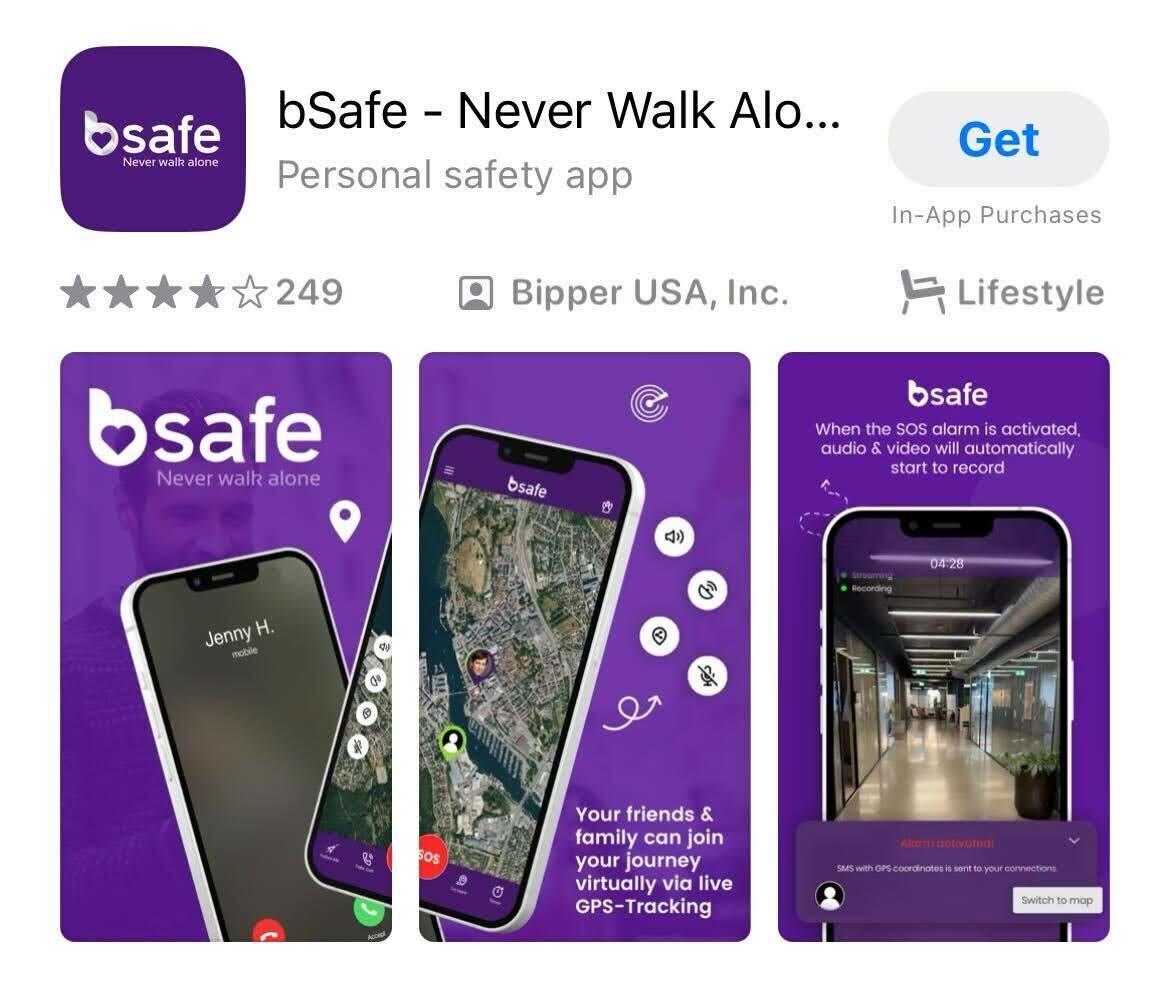
bSafe provides real-time GPS location sharing and one-touch SOS alerts. You designate a network of trusted contacts (a colleague, your office manager, a family member), and the app shares your live location during showings or client meetings. If you trigger the SOS, bSafe sends your GPS coordinates and begins recording audio. While not built exclusively for real estate, its feature set maps well to the safety needs of agents who work alone.
Best for: Agents who want a general-purpose safety app with GPS sharing and emergency alert features they can use during and outside of work.
What a branded app strategy can do for a team
Off-the-shelf apps solve specific workflow problems. But some teams go further by building a branded mobile app that keeps their business in front of clients every time they pick up their phone. Ricardo Rodriguez and Associates, a South Florida real estate team, launched a custom-branded app through Luxury Presence and saw measurable results within six months: over 11,800 app actions, 264 app downloads, a 31% spike in branded search traffic, a 55% increase in organic website leads, and a 50%-plus jump in overall site traffic (Source: Luxury Presence Case Study: Ricardo Rodriguez and Associates, 2026).
The takeaway is not that every agent needs a branded app. It is that when your digital presence lives on a client’s home screen, you stay top of mind between transactions. For teams and brokerages with the volume to support it, a branded app turns your website into a portable, always-accessible touchpoint.
FAQs
About the author

Marketing Manager
Kate Evans is a content marketing strategist at Luxury Presence, the leading growth platform for high-performing real estate professionals. She develops data-driven editorial content and supports SEO strategy and brand voice frameworks that help agents attract qualified leads and establish market authority. Her published work covers topics including CRM strategy, social media marketing, and digital growth, supporting thousands of agents in scaling their businesses through modern marketing.